Wait! You've Unlocked the Amazon Selling Machine…
In just 5 mins, your workshop details and a "few cool gifts" will be sent to your inbox. While you wait, here's something to get:
Now Get Amar’s #1 Bestselling Book
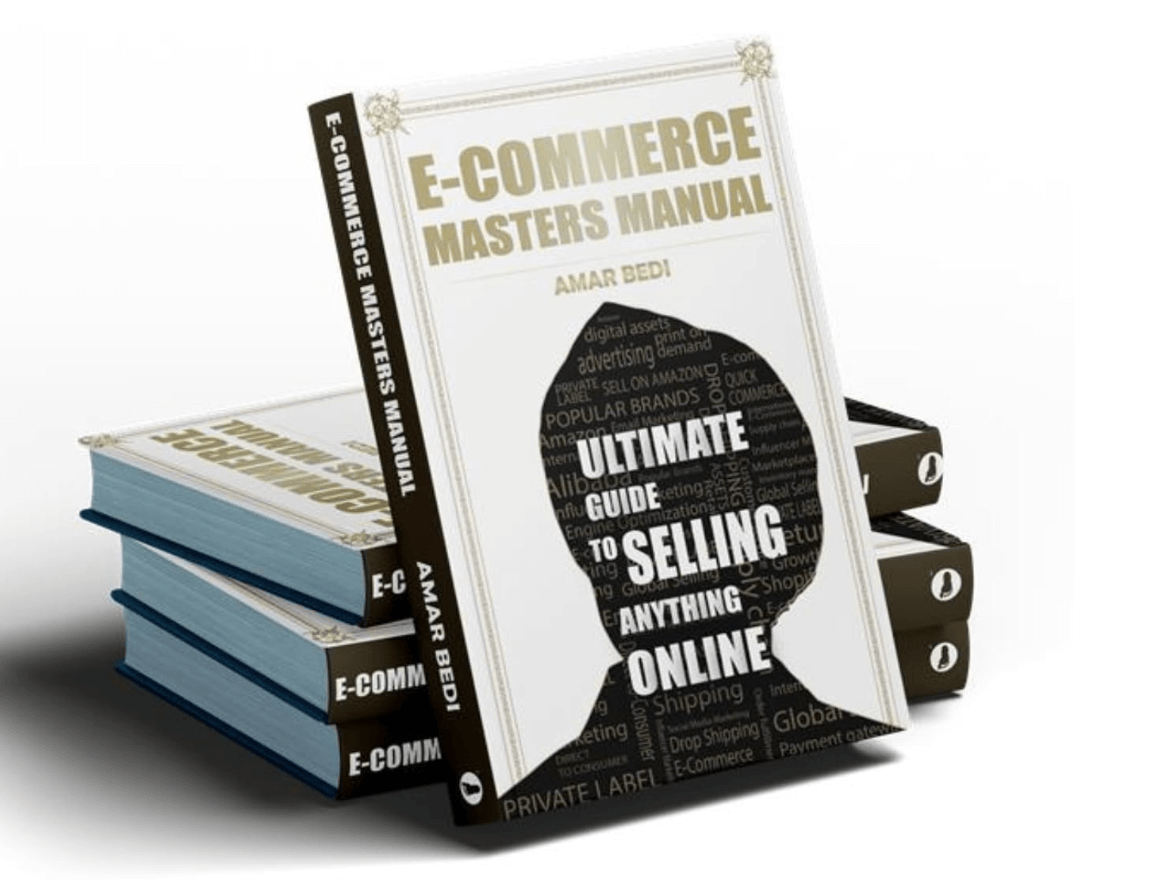
Shortcut Your Way to Ecommerce Success!
Sell Anything Online
Build, Automate, and Scale Your E-commerce Brand Today!
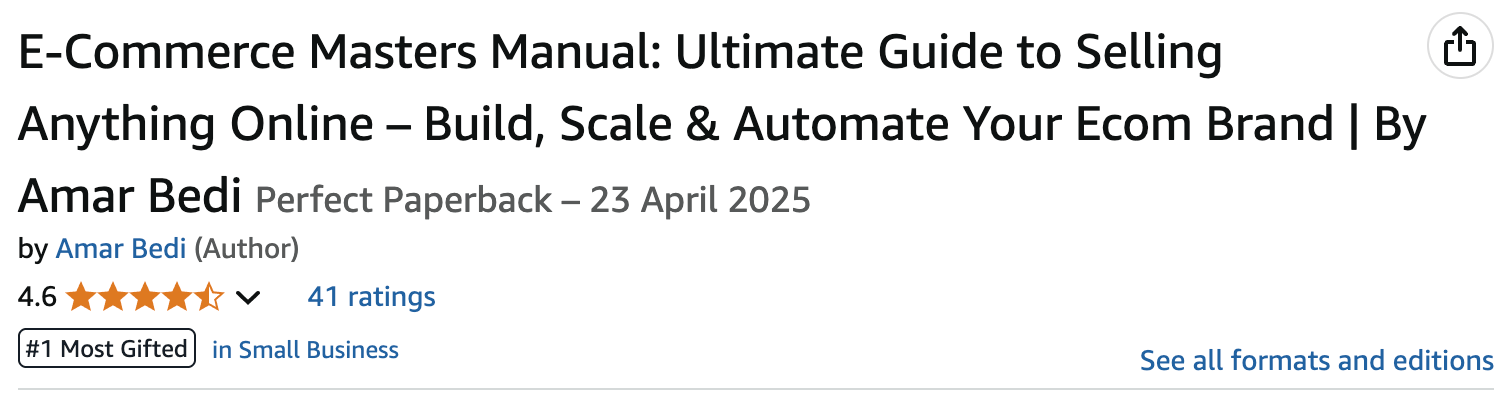
Already Became #1 Most Gifted On Amazon
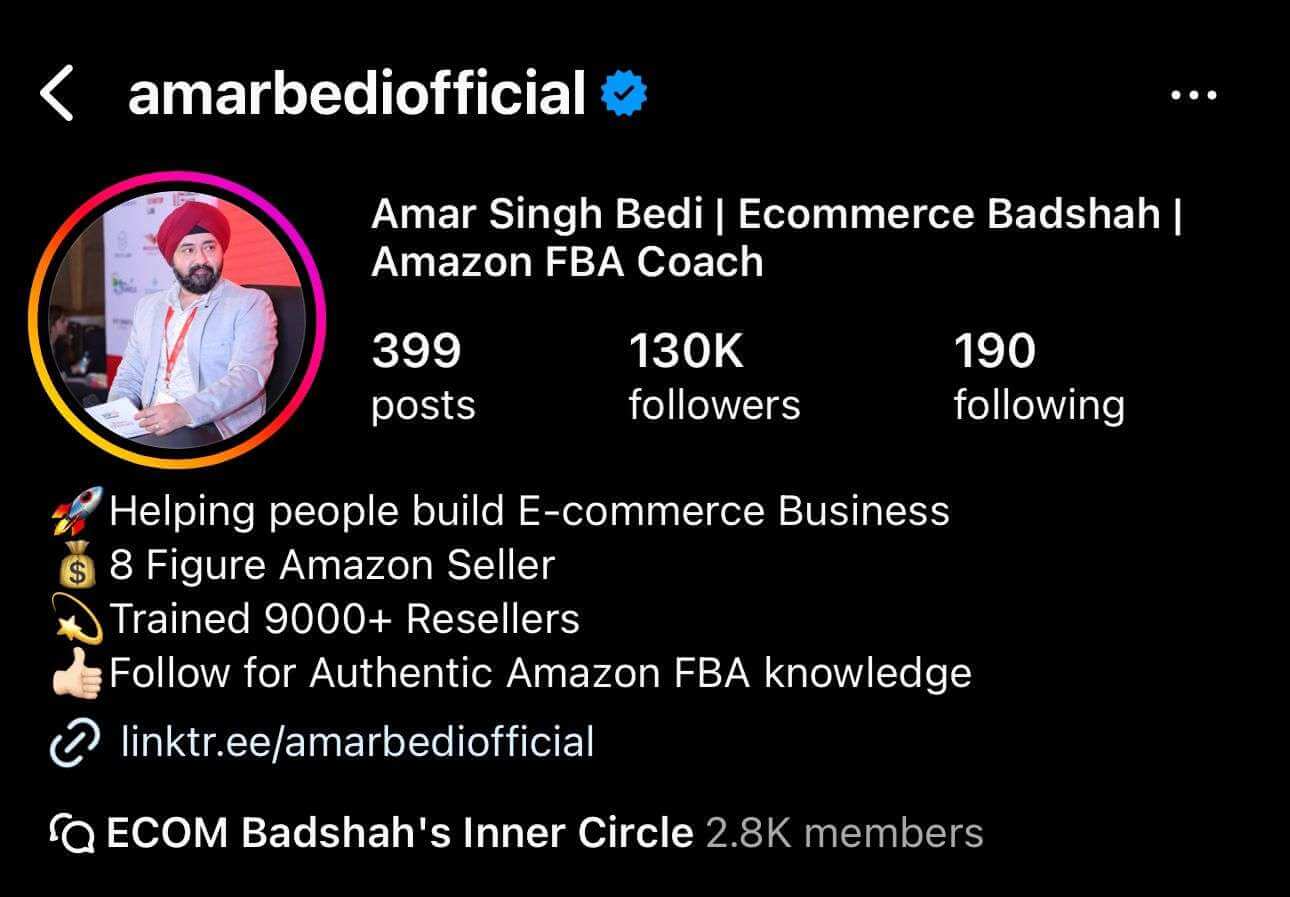
JOIN THE AMAZON ARMY WITH OVER 130K FOLLOWERS
How to Access Your Resources:
1. Head over to www.prosyncedu.com.
2. Click on "Login" in the top right corner.
3. Enter the email address you used to register for the webinar.
4. Since this is your first login, click "Forgot Password?" and follow the instructions to set a new password.
5 Once logged in, You will get the ebook and magazine on your prosync dashboard.
Don't forget to mark your calendar for the webinar!
+Add Row